

 OriginalEdited
Product photo
Change the product name and price
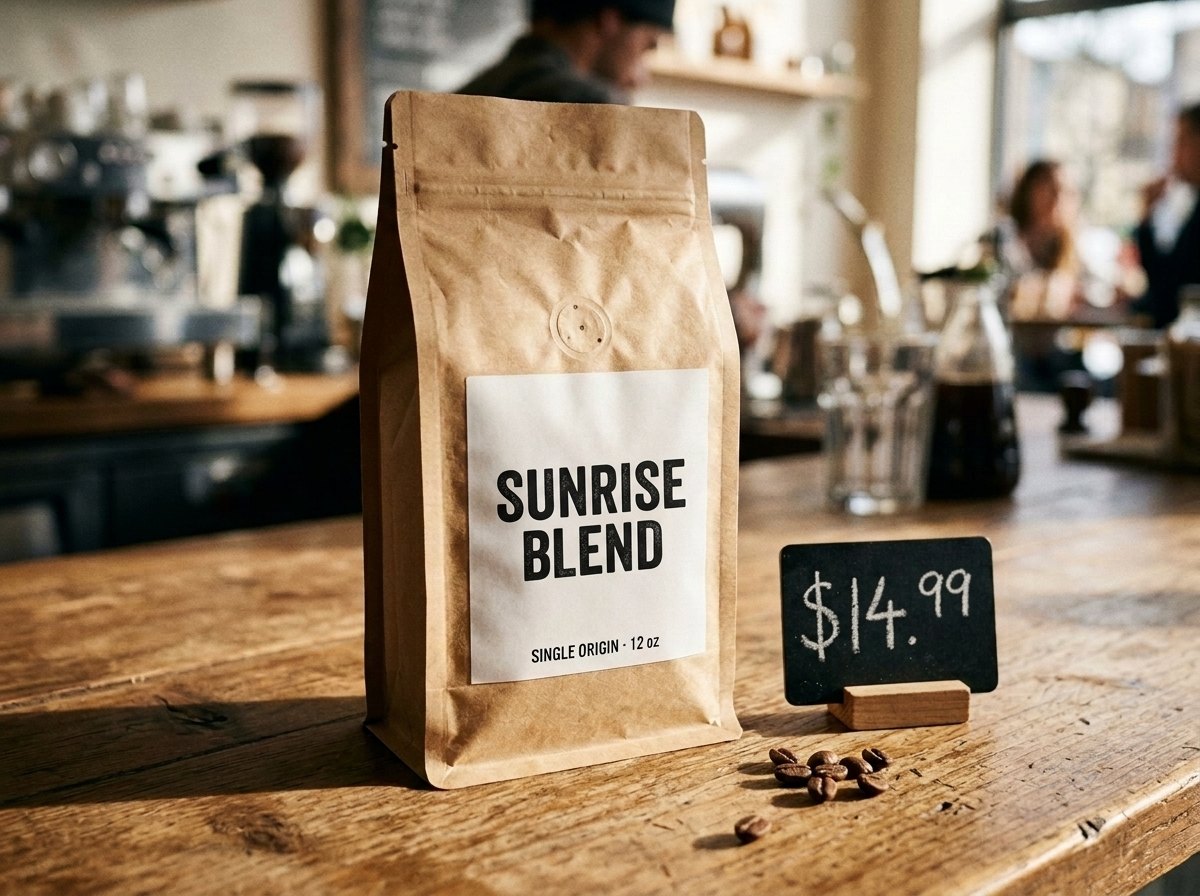
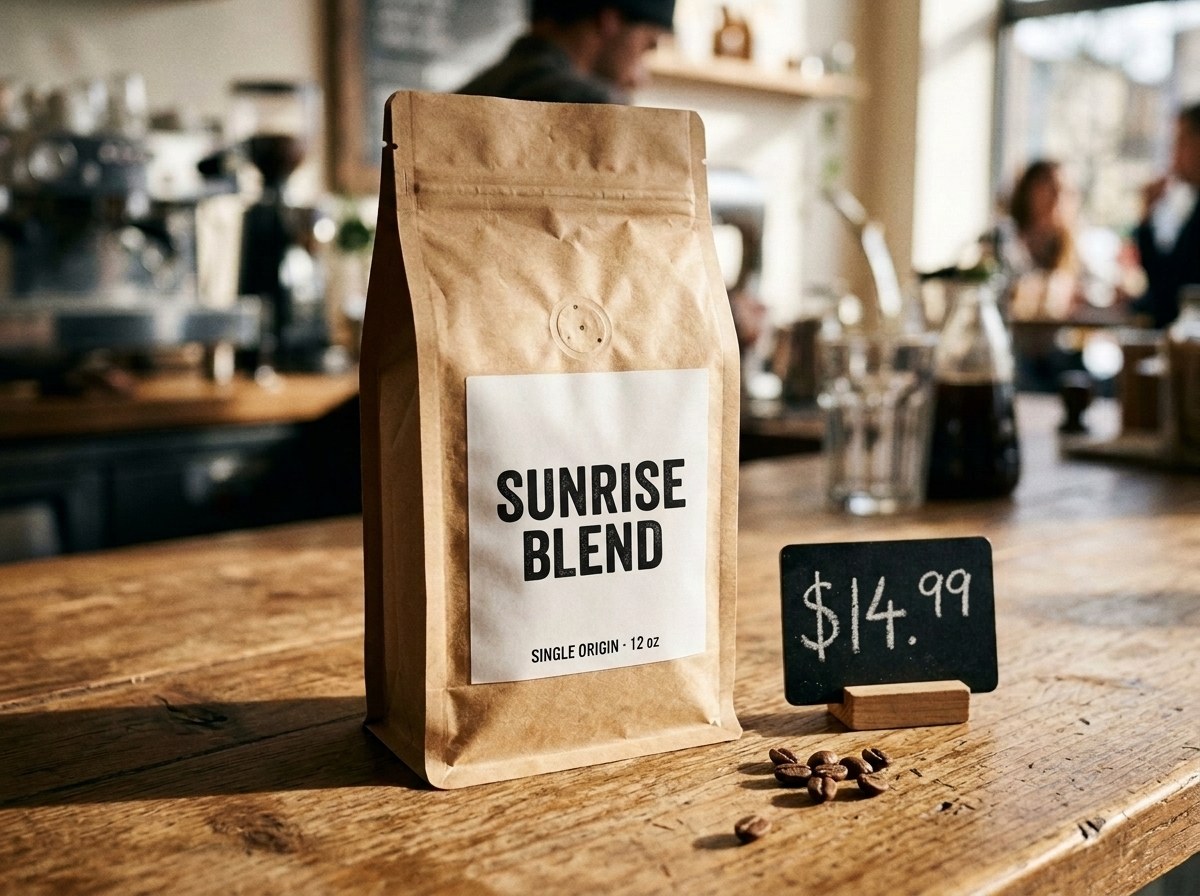
"MORNING ROAST" became "SUNRISE BLEND" and the chalk price went from $18.50 to $14.99. The bag, the light and the coffee beans stay the same.
Edit text in photos, images and screenshots
Click the words you want to change, type the new text, and AI keeps the original font, color and background. Free to try, no Photoshop needed.
Try a sample
 OriginalEdited
Drag the handle to compare.
Photo text editor
Edit Text in Photo is an AI photo text editor for pictures that are already finished. Mark the words you want to change, write the new text, and the AI rewrites only that part. It matches the original font, size, color and angle, and rebuilds the background behind the letters, so you can edit text in image files without the PSD, without Photoshop and without retyping the whole design.
Upload or paste an image
Drop a JPG, PNG or WebP, paste a screenshot with Ctrl+V / Cmd+V, or start from a sample photo.
Mark the text to change
Draw a box around a word, or brush over curved or uneven text. Each mark becomes @Area 1, @Area 2 so you can change text in image areas one by one.
Describe the edit and apply
Type something like "Replace @Area 1 with SUMMER SALE", pick a model and apply. Download the result or keep editing the new image.
| Feature | Edit Text in Photo (AI) | Add-text tools | Photoshop by hand |
|---|---|---|---|
| What you start from | A finished photo, screenshot or poster | A photo with no text, or text you cover up | Ideally the layered PSD file |
| Matching the font | AI copies the existing letters, color and angle | You hunt for a similar font yourself | Find or match the font, then fine-tune |
| Behind the old text | Background is rebuilt automatically | Old text stays unless you hide it | Clone stamp and healing by hand |
| Best for | Fixing a typo, price, date or name in a finished image | Memes, captions and new titles | Full redesigns with the source file |
Need something other than replacing words? The same photo text editor opens in four focused modes.
Before and after
Every example below is a real run of this image text editor on the default model. Drag the handle to compare: only the marked words change.
OriginalEdited"MORNING ROAST" became "SUNRISE BLEND" and the chalk price went from $18.50 to $14.99. The bag, the light and the coffee beans stay the same.
 OriginalEdited
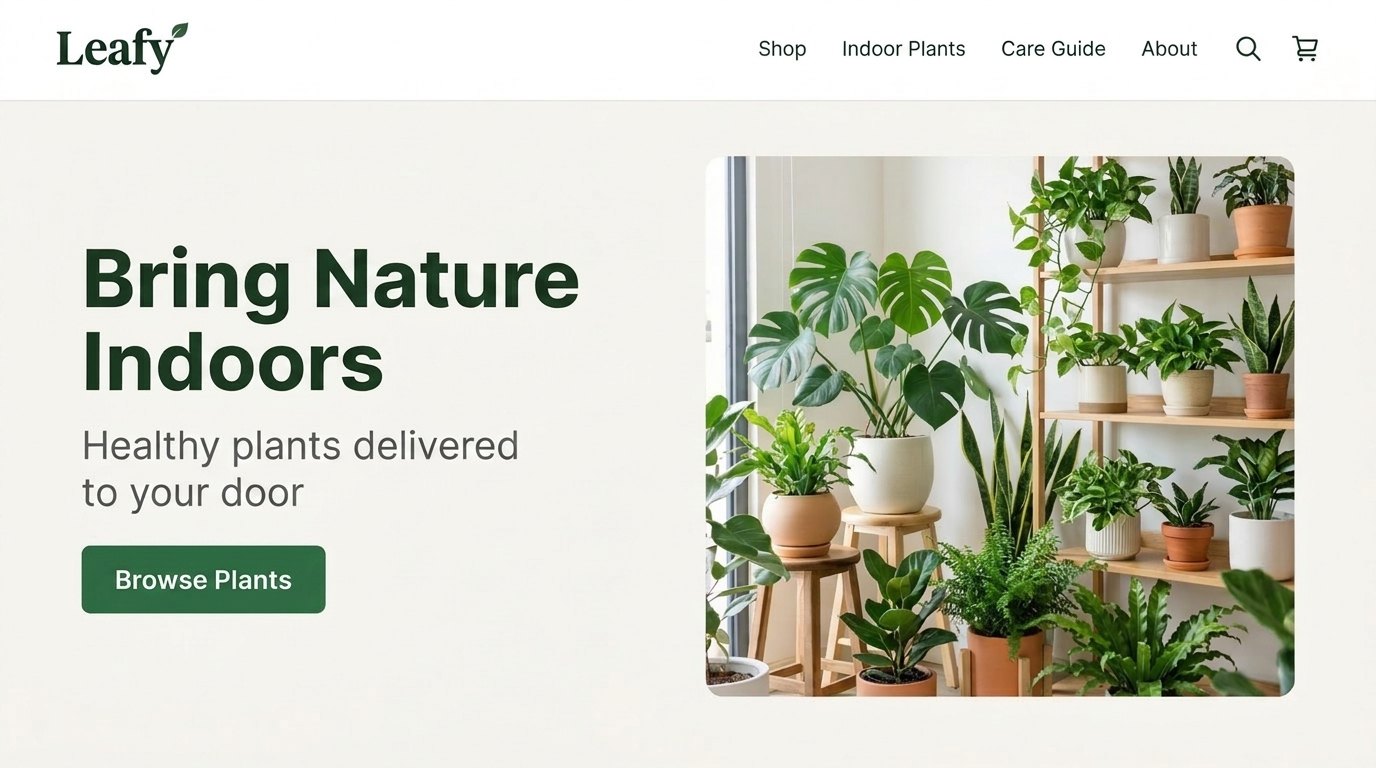
A landing page screenshot got a new headline and button label in the same bold font, without opening a design tool.
 OriginalEdited
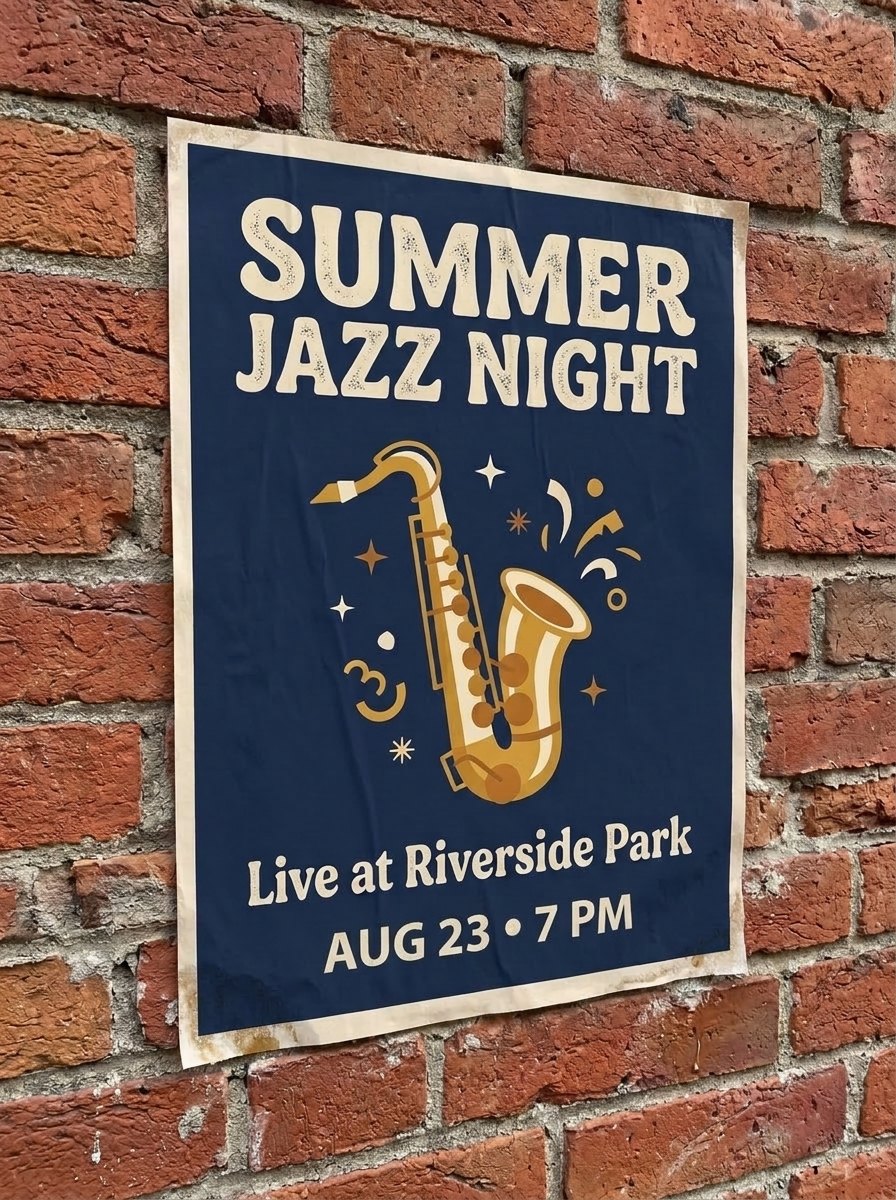
The event moved, so "JULY 12 · 8 PM" became "AUG 23 · 7 PM" in the same cream letters, even on a poster photographed at an angle.
 OriginalEdited
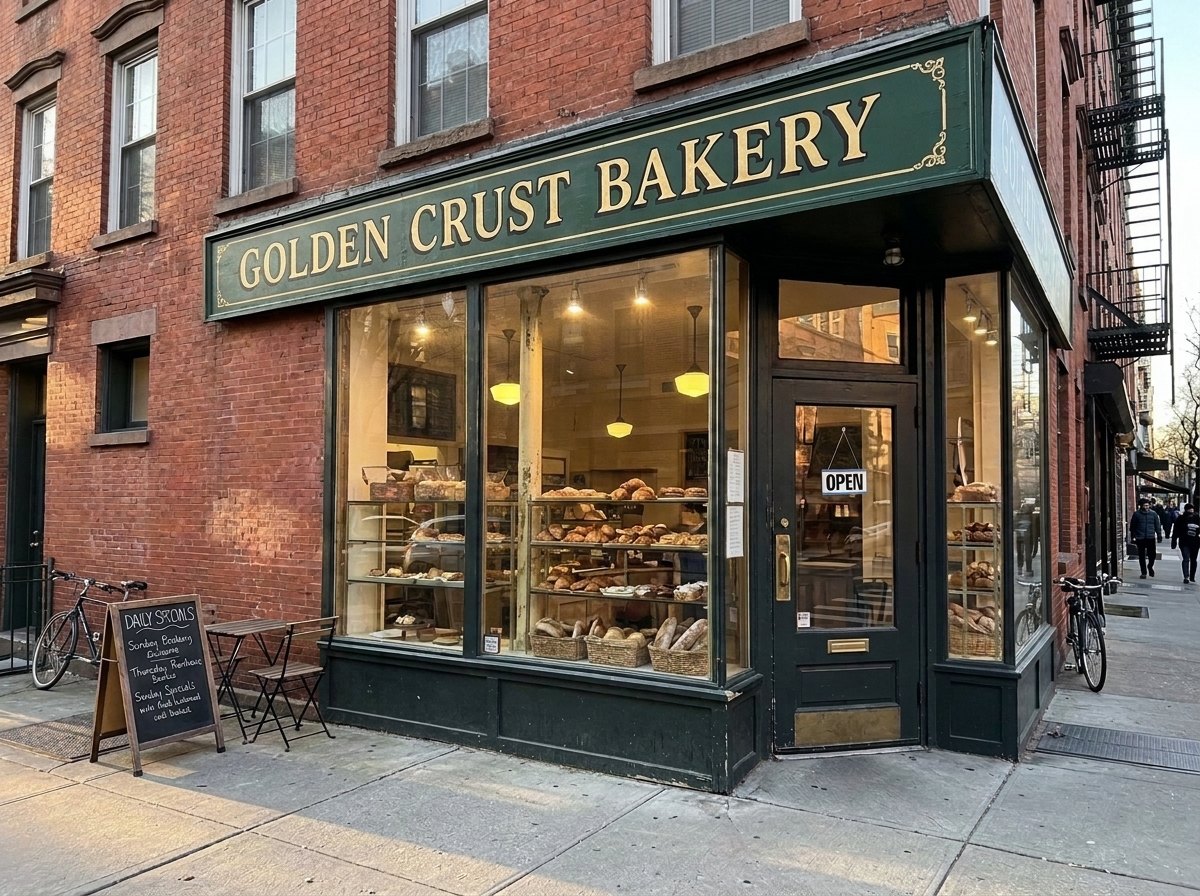
The "FRESH BREAD DAILY" window decal was removed and the shop interior behind it was filled in. Use the Remove action or the remove text tool.
Same font
Handwritten chalk, printed labels, screen fonts
The photo text editor reads the style of the letters around your mark and writes the new words in it. On this chalkboard menu, "Iced Latte $5" became "Cold Brew $6" in the same hand-lettered chalk.
Edit text in your photo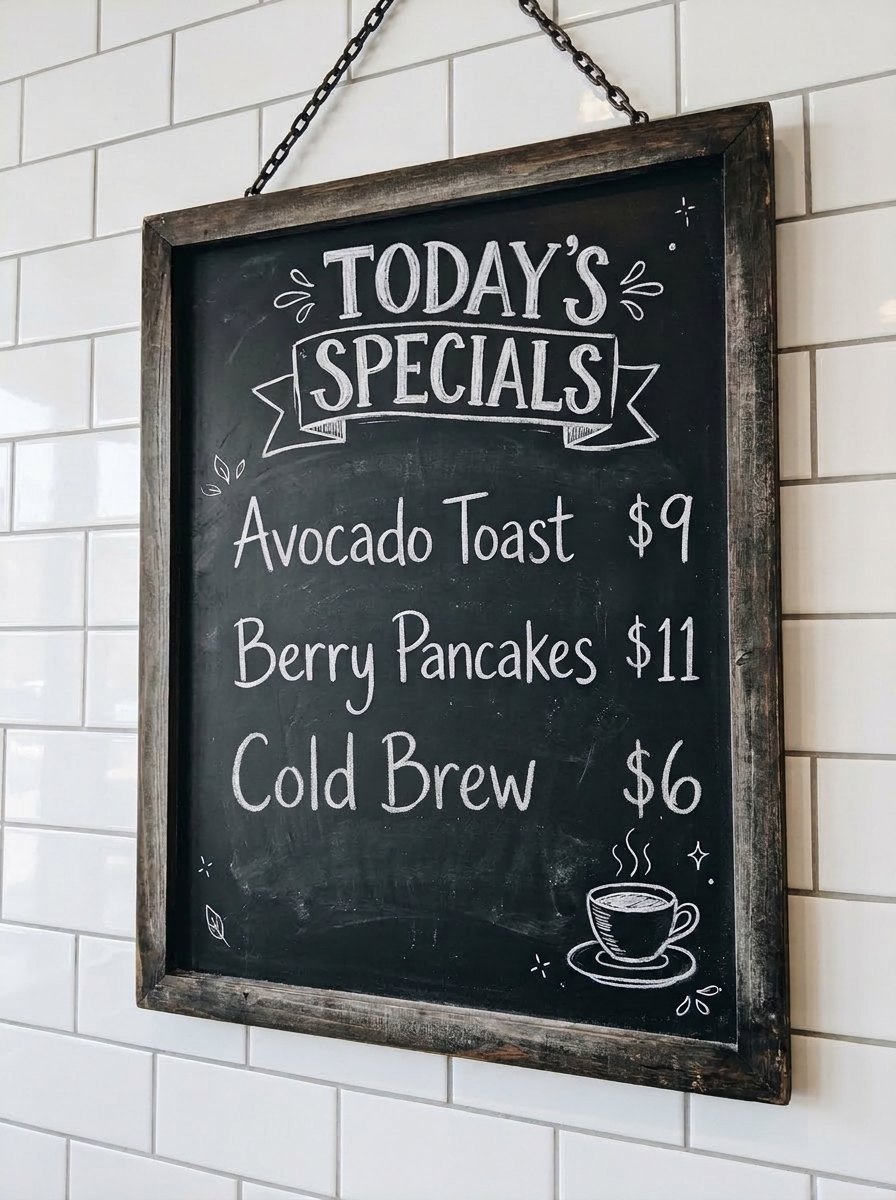
 OriginalEdited
Letter shapes, weight, spacing and size follow the text that was there.
Chalk stays chalky, print keeps its ink, neon keeps its glow.
Text on tilted posters and curved labels follows the surface, and the background behind it is rebuilt.
Models
Every edit runs on one of three image models. Nano Banana 2.1 is the default because it changed the least outside the marked text in our tests.
Marking areas sends the model a second, marked copy of your image, which adds one or a few credits. The editor shows the exact cost before you apply.
How it works
From upload to download, editing the text in a photo takes four steps and no design skills.
Choose the plan that matches how often you edit text in images with Edit Text in Photo.
Answers about editing text in images, fonts, models, pricing and privacy.
Upload the photo, draw a box or brush over the words you want to change, and describe the edit, for example "Replace @Area 1 with OPEN 24/7". Pick a model, apply, and download the edited image. No Photoshop or design file is needed.
Yes. The AI copies the letter shapes, weight, size, color, angle and texture of the text that was there, so the new words look like part of the original image. Very decorative or tiny text can need a second try or the GPT Image 2.5 Flare model.
New accounts get 10 free credits, enough for 1 edit with marked areas on the default model, with no credit card. Failed runs are refunded automatically. Credit packs and plans add more edits. Blurring text is always free.
JPG, PNG and WebP up to 10 MB: product photos, posters, menus, signs, screenshots, slides, thumbnails, memes and scanned documents. The edited image keeps the shape of your upload and comes back at about 1K resolution.
Start with Nano Banana 2.1, the default: it changed the least outside the marked text in our tests and costs 10 credits with marked areas. Seedream 5.5 is cheaper for simple labels and posters; GPT Image 2.5 Flare is best for stylized fonts and long text.
No, but it helps. Without marks, write exactly which words to change, like Replace "SALE" with "NEW". Marking areas tells the model where to look, which matters when the same word appears more than once.
Yes. Use the Remove quick action to erase text and rebuild the background, or Translate to rewrite a sign or label in another language. The remove text from image page opens the editor in remove mode.
Yes. Paste the screenshot with Ctrl+V / Cmd+V and change headlines, button labels or numbers in your own captures. Please do not edit receipts, payment screens, IDs or documents to mislead anyone; those requests are refused.
Your uploads are used only to make your edits. Free results may be public in the gallery; paid plans can keep edits private. You can delete images from My Images at any time.
No. This is an independent site that runs third-party AI models through an API. It is not affiliated with or endorsed by Google, ByteDance, OpenAI, Adobe or Canva.
Upload an image, mark the words and type the new text. Your first edit is free.
AI text editing models
Credits per edit
Free edit on sign-up